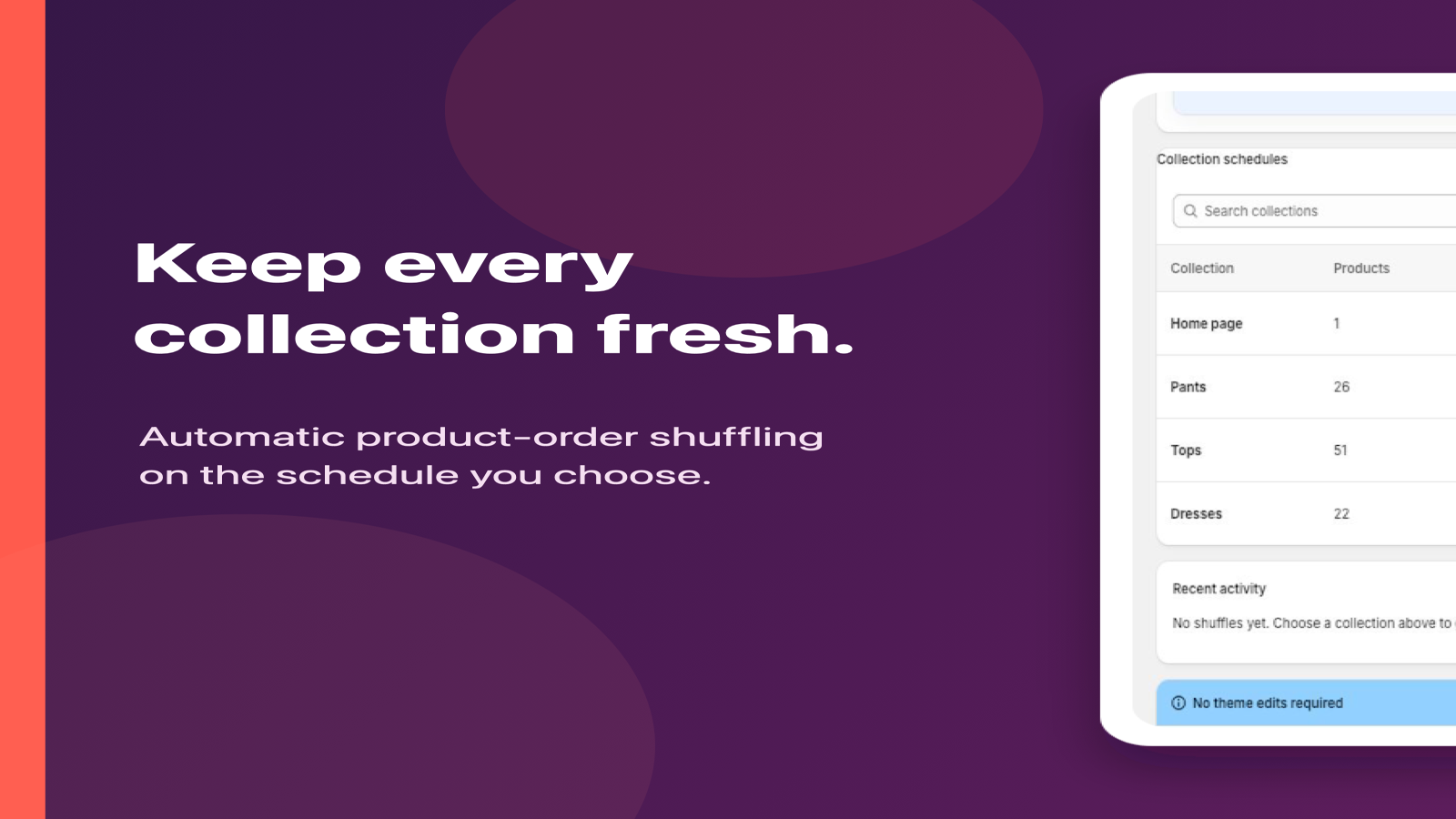
Start with collections that benefit from rotation
Good candidates include new arrivals, broad category collections, seasonal assortments, and collections where many products deserve a turn near the top. Keep a manually curated order when you need a precise campaign story, a fixed hero product, or a controlled launch sequence.
CollectionShuffler randomizes the complete product order. It does not pin or exclude individual products.
Choose a cadence with intention
Daily or weeklyGood default for most stores and available on Free.
HourlyUseful for active catalogs that change throughout the day; available on Pro.
Every 15 or 30 minutesBest reserved for high-frequency use cases; available on Scale.
Collection launch checklist
- Confirm the collection has at least two products.
- Choose a collection where random order supports the merchandising goal.
- Run one manual shuffle and inspect the storefront result.
- Select the cadence and save schedules.
- Review activity after the first scheduled run.
Questions to revisit after launch
- Are the chosen collections still appropriate for random rotation?
- Is the cadence frequent enough without being unnecessary?
- Do seasonal or campaign collections need to be turned off?
- Does activity history show successful runs at the expected times?
Put the guide into practice.
Install CollectionShuffler and start with one collection for free.
Install on Shopify